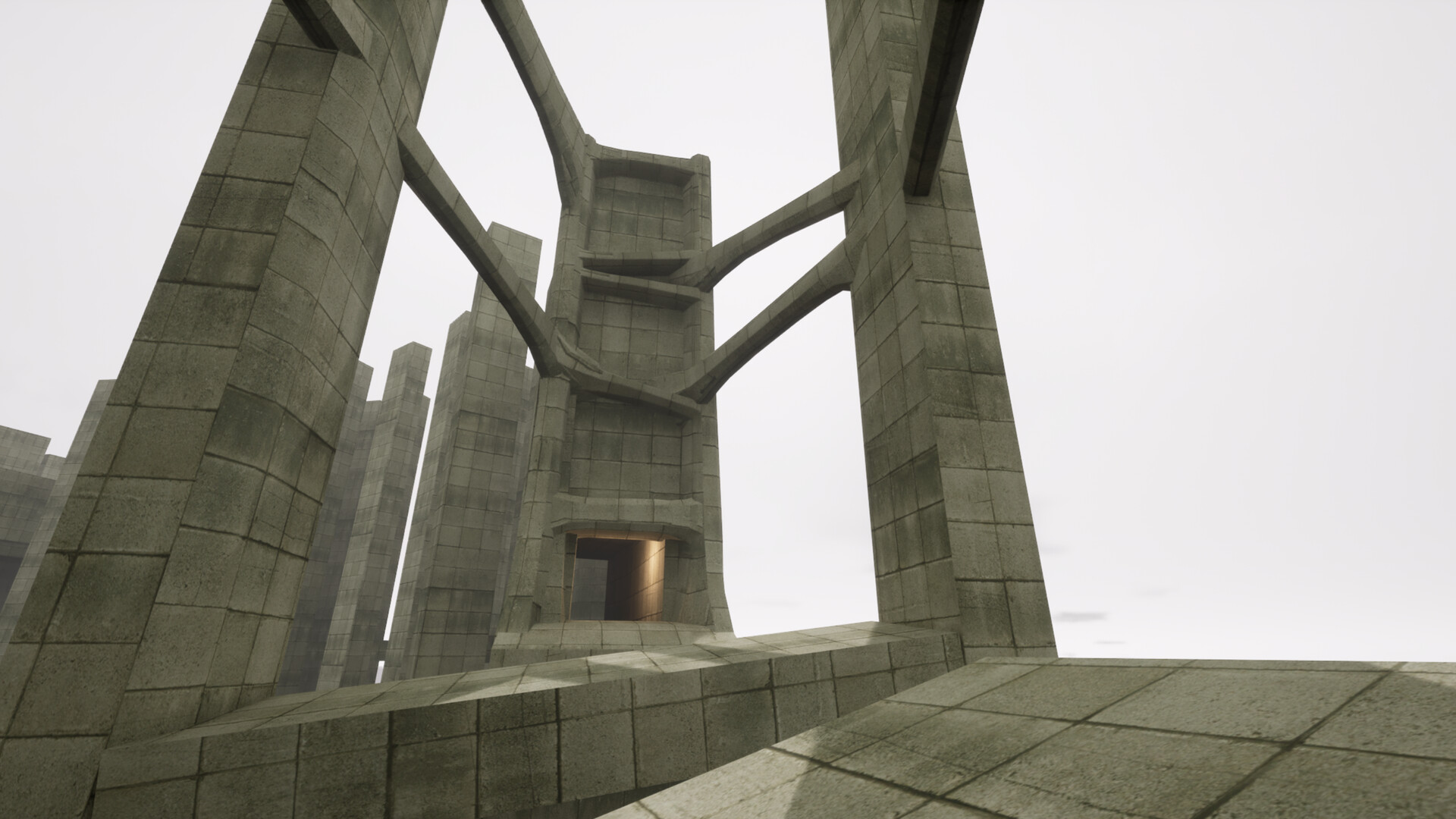
What VHOLUME is
VHOLUME is a first-person parkour adventure set in a dystopian brutalist city. The official Steam description frames the game around jumping, running, climbing, sliding, momentum, shortcuts, target times, multiplayer, player ghosts, and Steam Workshop levels.
That makes the guide library easiest to use as a route map: learn the movement vocabulary first, then open the location or challenge page that matches the obstacle in front of you.
Choose the page that matches your question
| If you are asking… | Start here | What the page gives you |
|---|---|---|
| How do I move faster? | Movement Techs | Technique index, safe drills and patch boundaries |
| How do I bhop? | How to Bhop | Developer-confirmed jump buffer and practice loop |
| Where is a B-Side? | B-Side Locations | 31-row community clue table and collection check |
| Where are secrets? | Secrets | Level-by-level clues, cross-check state and search method |
| Which maps or times exist? | All Maps | 31/31 catalogue snapshot versus 23-board route scope |
| Where are the people? | NPC Locations | Conversation achievements and dated community sweep |
| How do I make a map? | Workshop | Official Mapping setup, versions and publishing checks |
| How do I compare runs? | Multiplayer & Ghosts | Ghost practice and live leaderboard boundaries |
Where to start
- Start with the movement tech index if a route feels mechanically unclear.
- Use the B-Side collection guide when the level-menu icon shows an uncollected item.
- Open the map index to understand how the community groups main levels and B-Sides.
- Use the Workshop guide for user-created maps after you are comfortable with the official routes.
If you are new to first-person parkour, run one safe route without chasing a time, then repeat it while changing one variable. The pages above are organized to answer one specific question at a time instead of forcing every topic into one long walkthrough.
A low-friction first session
- Open the official Steam page and confirm the PC build you are using.
- Run
racetrack00once without stopping for collectibles; learn the finish and checkpoint rhythm. - Repeat the same route while watching landing direction and momentum, not just the clock.
- When a side item or person becomes the goal, switch to the dedicated checklist instead of mixing notes.
- Save the source date beside any time, route or location you plan to revisit after an update.
This sequence answers the common “where do I start?” question while keeping the index useful for both first-time players and runners who only need one narrow route answer.
How information is checked
The official store is the stable source for the premise and published features. Movement names, collectible locations, route breakdowns, and speedrun labels often come from community guides or videos, so those details are labelled as community findings and tied to a checked date.
Exact timing windows, mechanics, and route numbers remain unconfirmed unless a developer or official platform source states them directly.
Sources
- Official Steam pageOfficial platform
- Community movement guideVideo reference